If P&C Insurance
Insurance
2017
Redesigning a complex mobile quote journey to improve clarity, support confident decisions and increase conversion.
Project snapshot
Challenge
Villa insurance had one of If’s most complex quote journeys, requiring more questions than other products to generate a price. It also created more uncertainty around how to answer those questions correctly. At the same time, smartphone traffic accounted for 40% of total traffic, every third customer purchased on mobile and mobile conversion still lagged behind desktop. The challenge was to redesign the full mobile quote and purchase journey so customers could compare covers more easily, answer complex questions with more confidence and complete the purchase on mobile.
What I did
As Nordic UX Lead Designer, I brought existing user insights into a Google Design Sprint as If’s UX expert and helped shape the solution together with cross-functional colleagues from If. After the sprint, I led the UX design forward end to end: iterating the solution, refining the prototype, creating the detailed design, aligning stakeholders, collaborating with the development team and working with the Conversion Manager to launch a live mobile split test.
Outcome
The new design delivered a significant uplift in conversion rate in the live mobile split test and was later rolled out to 100% of mobile Villa users. It also helped define the mobile-first direction for a more coherent future experience across mobile and desktop, across products, across Nordic online sales experiences, and eventually across customer self-service and assisted sales.
Role
Nordic UX Lead Designer
Focus
Mobile-first design, quote flow, conversion, decision support
Users
Insurance customers on mobile
Team
Online Sales Manager, Product owner, Content Manager, Digital Copywriter, Facilitator and UX/UI Designer from a digital agency, Front-end developer, Back-end developer, Conversion Manager and cross-functional stakeholders
Impact
Significant conversion uplift in a live mobile split test
Context and opportunity
Mobile growth made Villa insurance a priority
Smartphone traffic had become a major part of If’s digital business, accounting for 40% of total traffic and every third customer was already purchasing on mobile. At the same time, mobile conversion was still lower than desktop, making mobile improvement a clear commercial opportunity.
Villa insurance was a particularly important place to act. It required more quote questions than other products and created more customer uncertainty around how to answer them. The longer-term ambition was to inform a more cohesive future experience across mobile and desktop, across products, across Nordic markets and eventually across self-service and assisted sales.
The problem to solve
The mobile journey needed to make complex decisions feel manageable
Villa insurance was one of If’s most demanding quote journeys on mobile. Customers needed to compare cover options, understand unfamiliar insurance questions, and complete the purchase journey with enough confidence to buy online.
The challenge was not just visual design, but how to structure the journey so customers could understand what they were choosing, answer difficult questions, and keep moving without losing confidence.
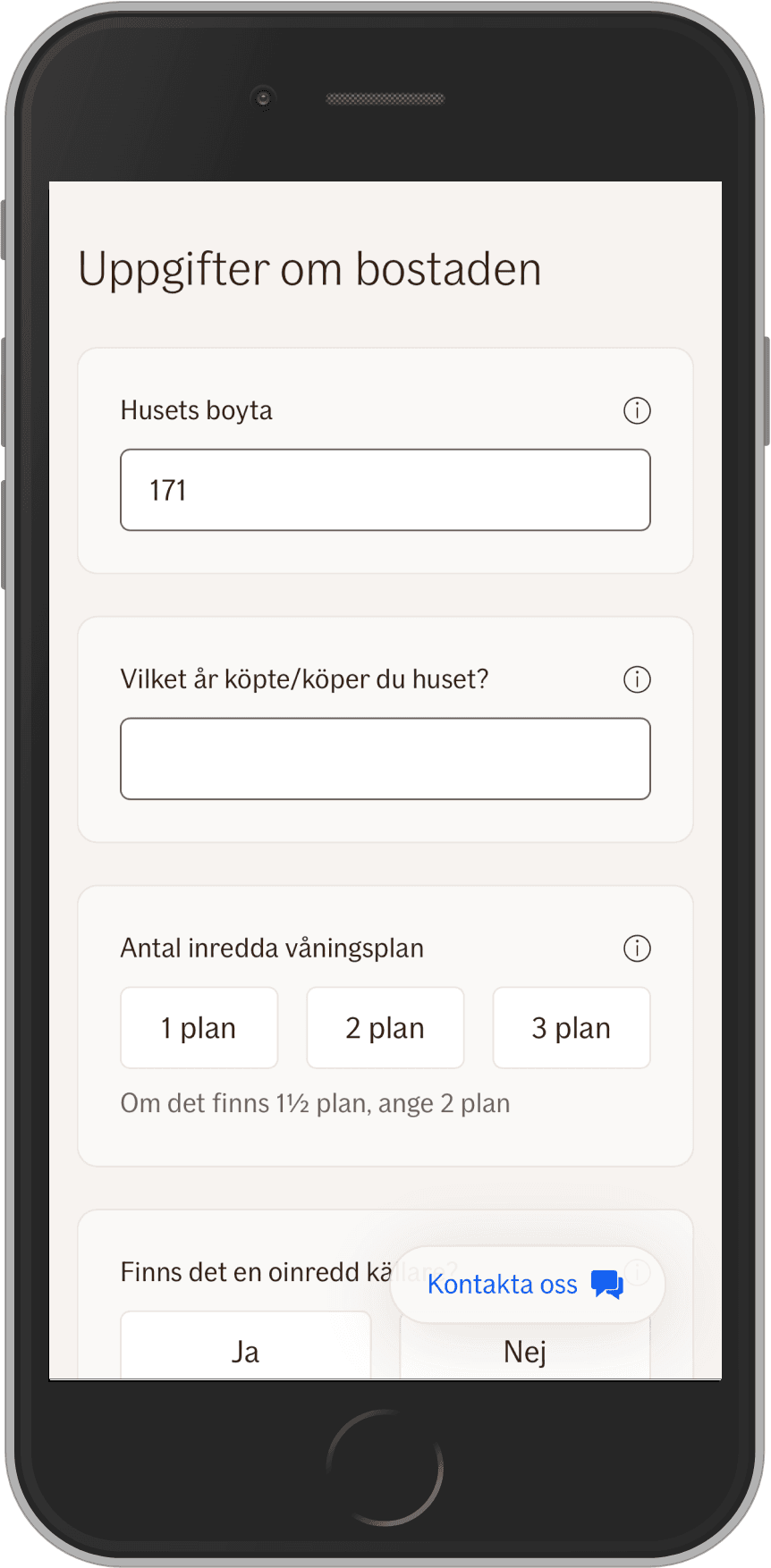
Too many questions were hard to understand and answer
Customers needed more support to answer correctly and move forward with confidence.
Help content was too easy to miss
Guidance existed, but it was not prominent enough for all users to notice when they needed it.
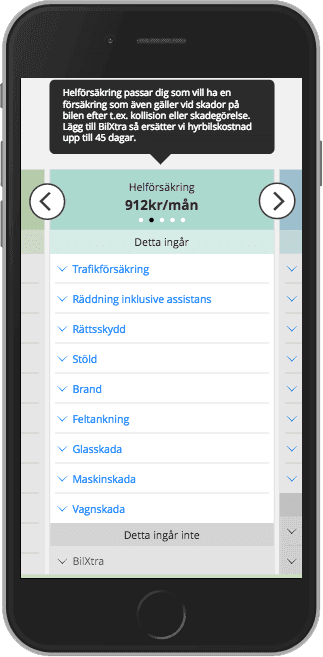
Comparison on mobile could be easier
Customers needed a simpler way to compare cover options and understand differences on a phone.
Trust and reassurance mattered
For a complex insurance product, the experience needed to feel supportive and safe enough for customers to purchase online with confidence.
My approach
We used Google Design Sprint to shape the concept, then I led the UX through rollout
Before the sprint, I had already carried out usability testing on the existing desktop and mobile experiences and shared those insights with the business. I brought that knowledge into the Google Design Sprint in my role as If’s UX expert, helping ensure the sprint focused on real user needs rather than starting from a blank slate.
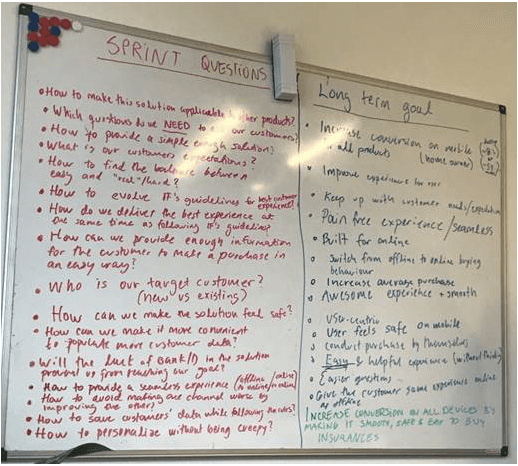
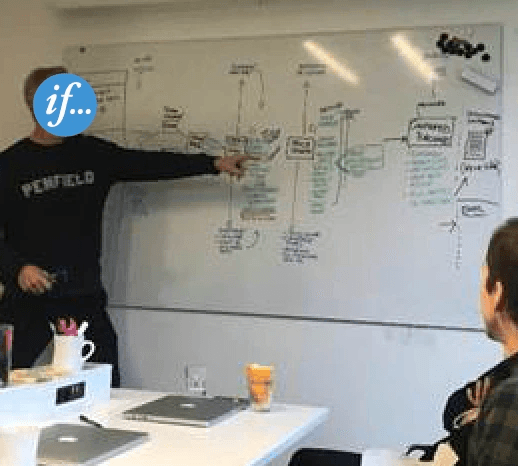
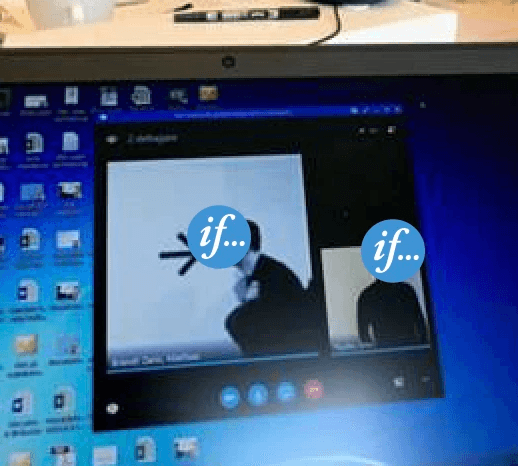
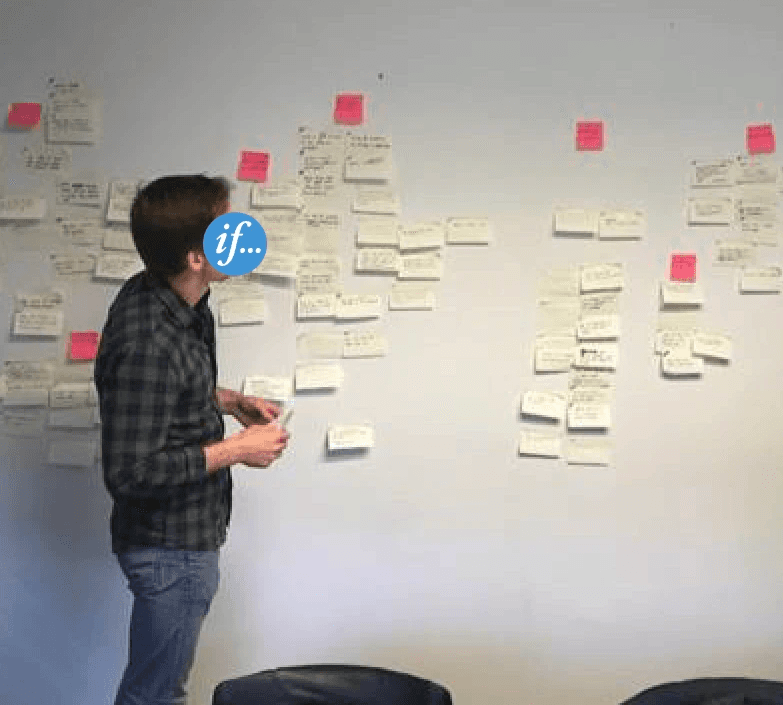
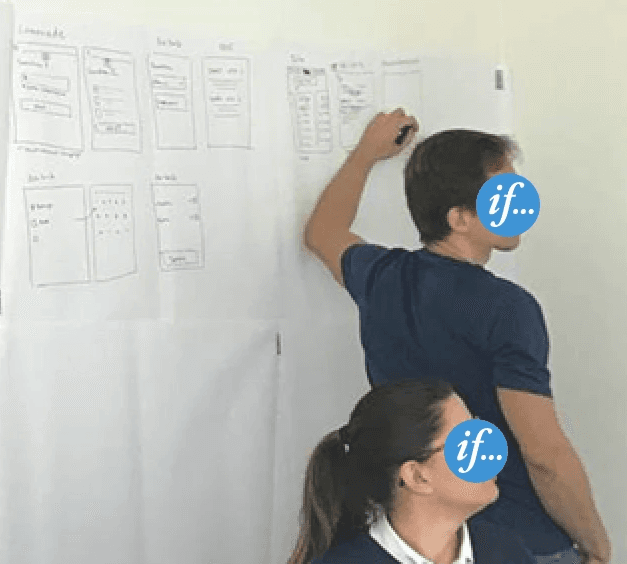
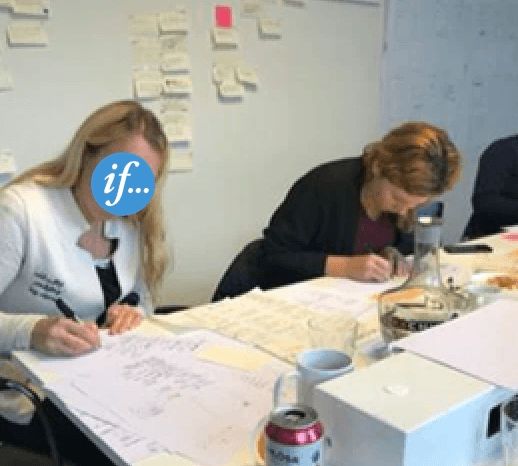
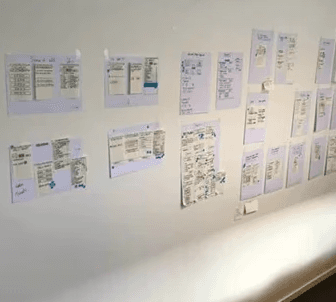
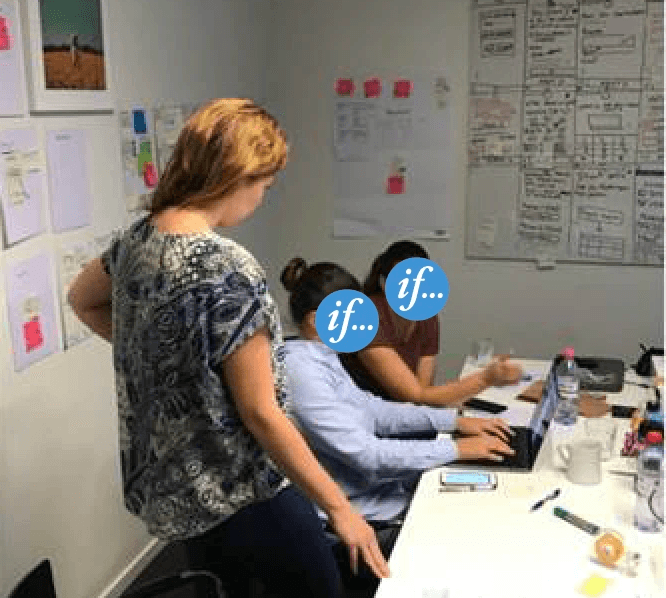
The sprint brought together a cross-functional team from If, including the Online Sale Manager as decision-maker, Product Owner, Content Manager and Digital Copywriter, together with a Facilitator and UX/UI Designer from the digital agency Dynamo. We used the week to define the long-term goal, map the journey, gather expert input, sketch ideas, converge on a direction, prototype the solution, and test it with users. While Dynamo supported the sprint process and produced the high-fidelity prototype, the solution ideas and creative direction were shaped by us at If.
After the sprint, I led the UX design forward end to end: presenting findings, iterating the concept, creating the detailed design, aligning stakeholders, refining the prototype, working through implementation with developers and taking the solution into a live split test with the Conversion Manager.
The work involved
Bringing existing desktop and mobile user insights into the sprint
Co-shaping the Google Design Sprint direction and prototype
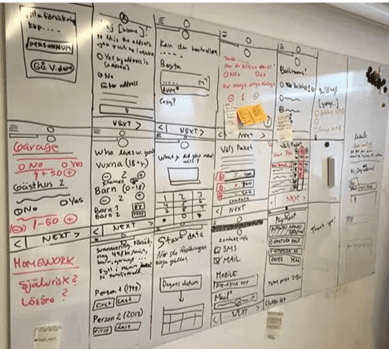
Sketching and iterating low-fidelity mobile concepts
Refining the design based on usability findings
Engaging stakeholders to secure buy-in and decisions
Working through implementation and launching a live mobile split test
Shaping the solution
We simplified the mobile journey by reducing cognitive load and increasing guidance
The redesign focused on making one of If’s most complex quote journeys feel more manageable on a small screen. Rather than presenting too much at once, we broke the journey into clearer, more focused steps and used patterns that helped users stay oriented.
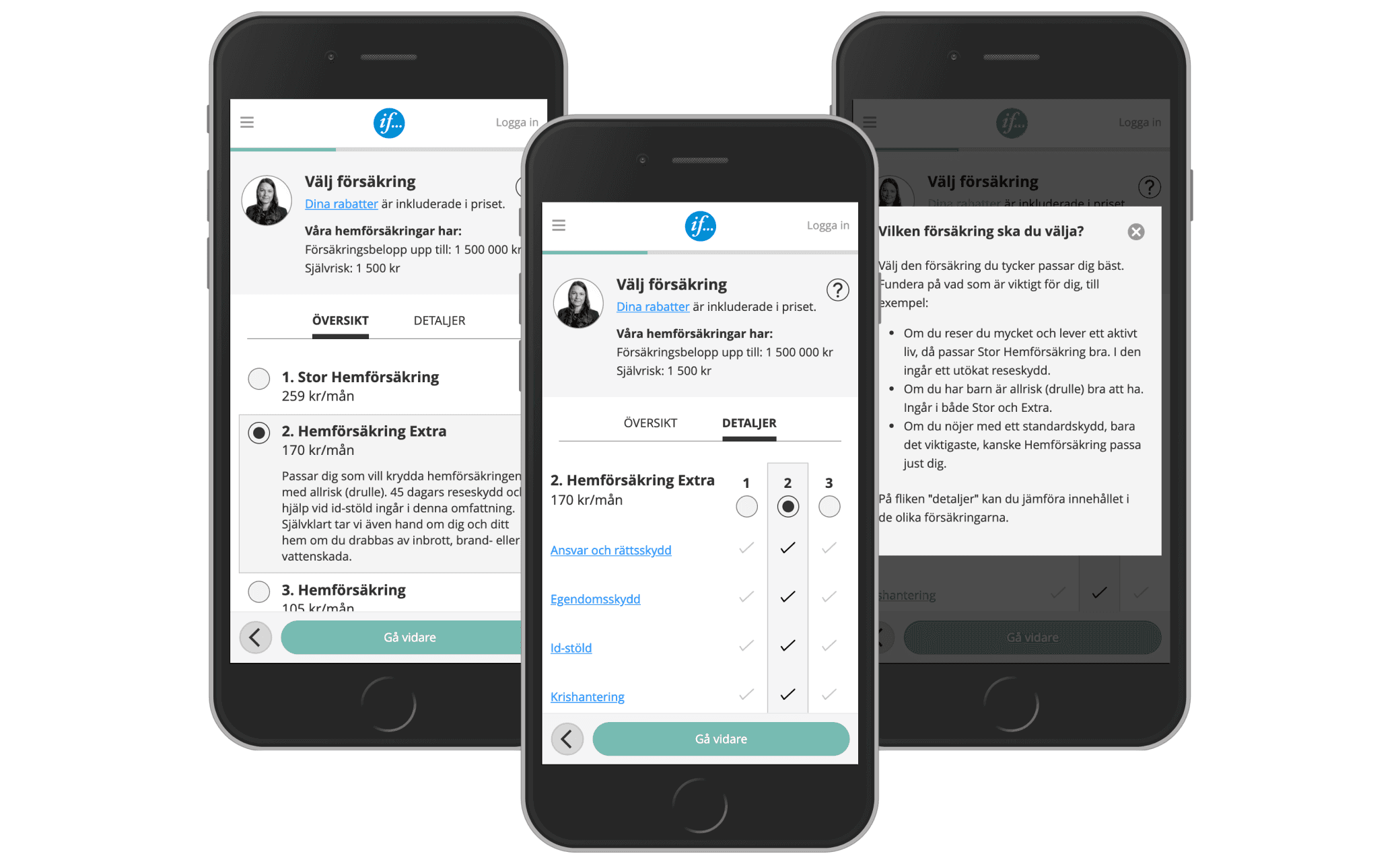
We also shaped the experience to feel warmer and more supportive. One part of that was using a frontline employee photo and more natural language to simulate the human aspect of speaking with someone over the phone, helping customers feel more confident and safe when purchasing online.
Design Decision 01
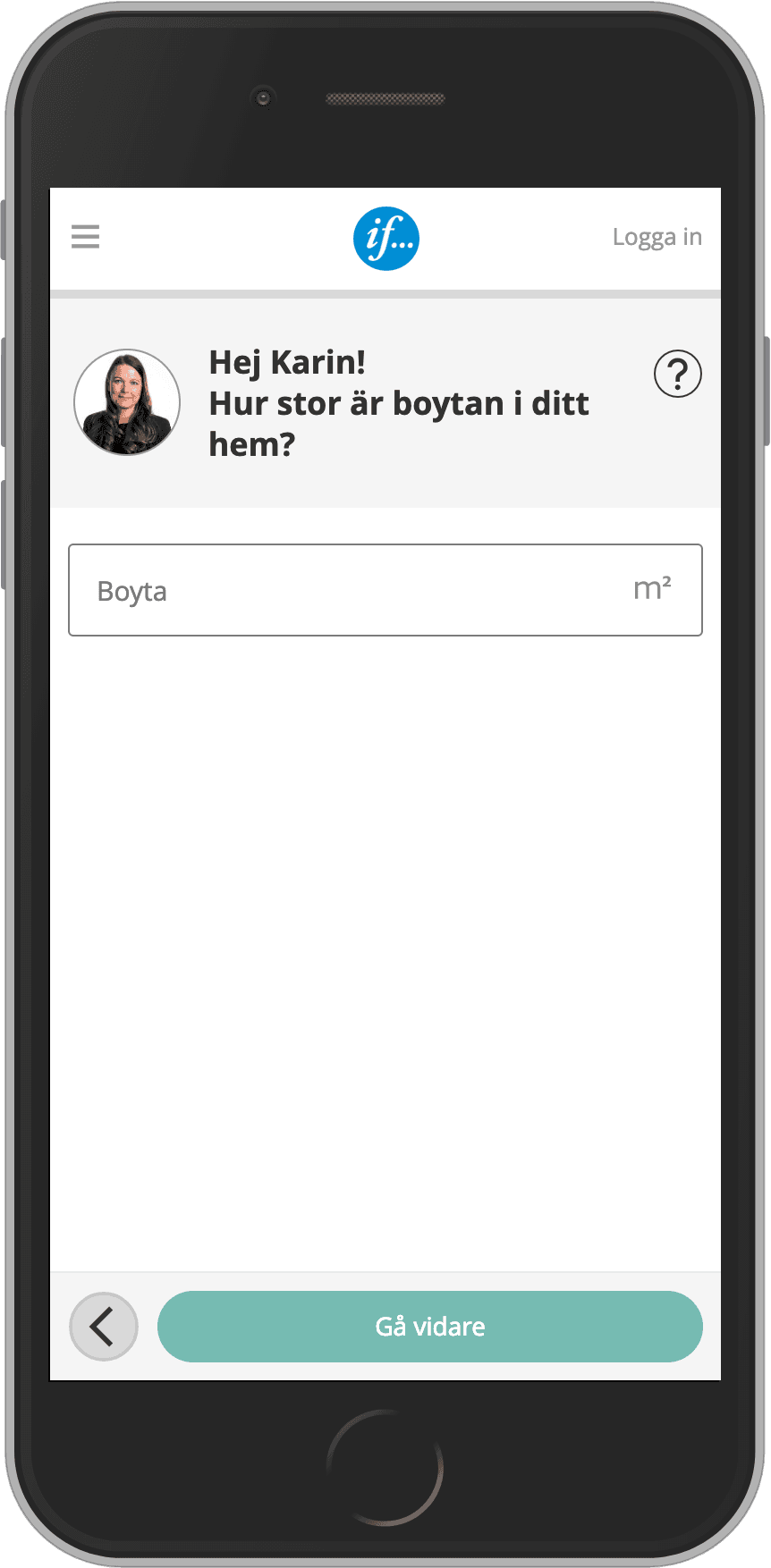
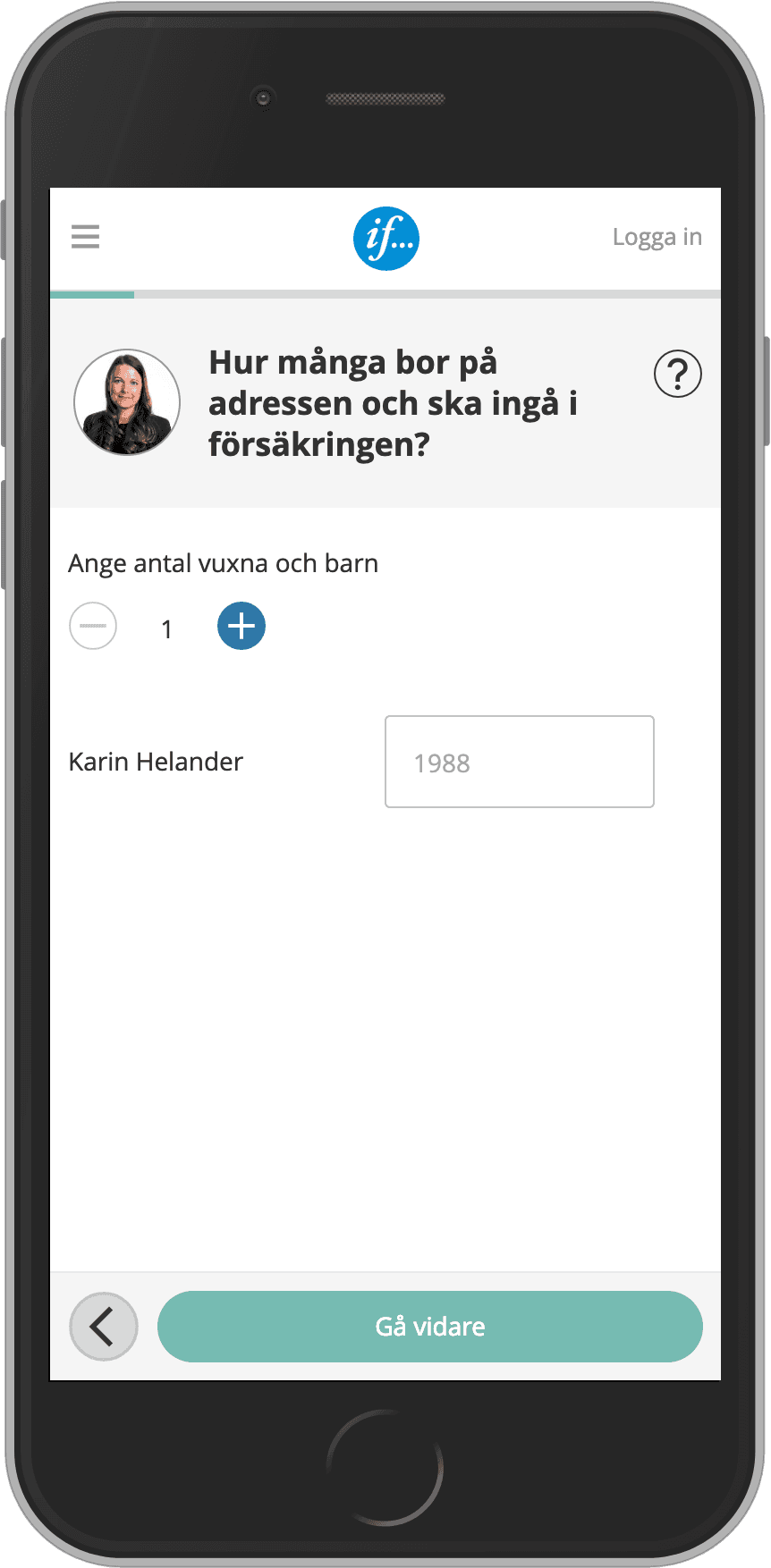
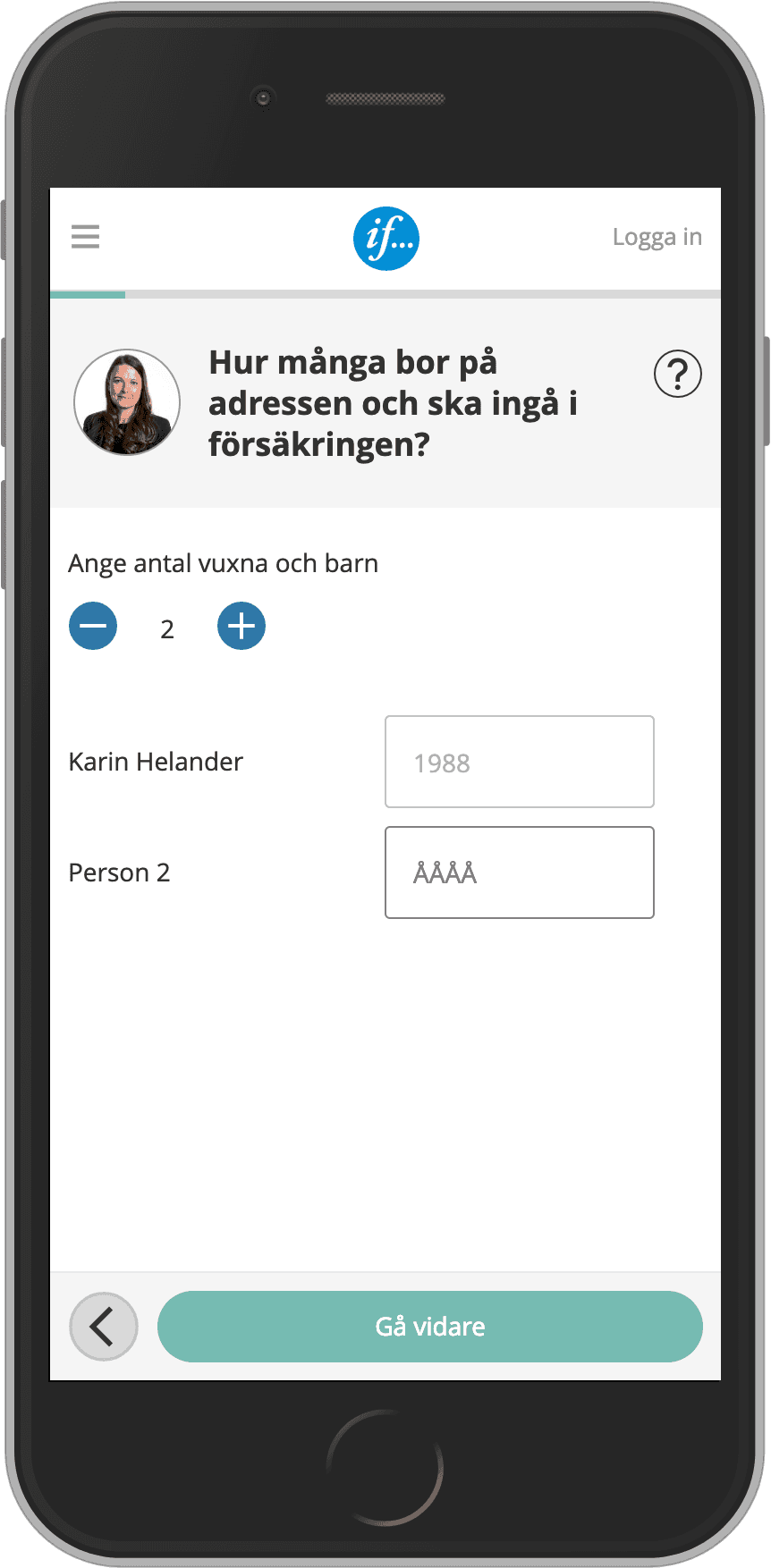
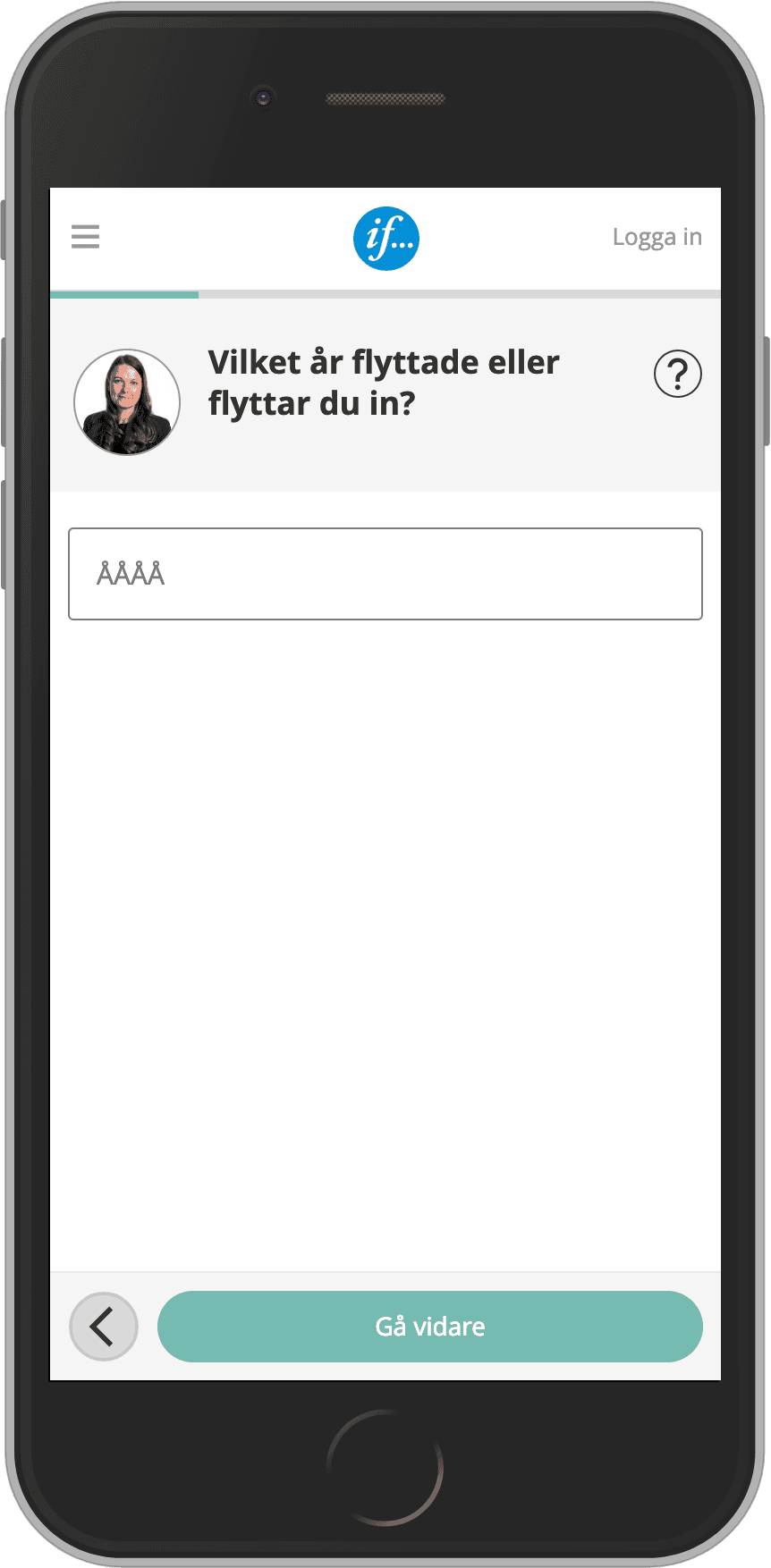
Showing one question per screen made a complex quote flow easier to answer
The previous mobile flow made the quote step feel dense and harder to interpret. During the sprint, we redesigned the journey so users answered one question at a time, reducing cognitive load and making each step easier to understand and complete. After the sprint, I refined that pattern into the detailed mobile flow taken into testing and implementation.
Design Decision 02
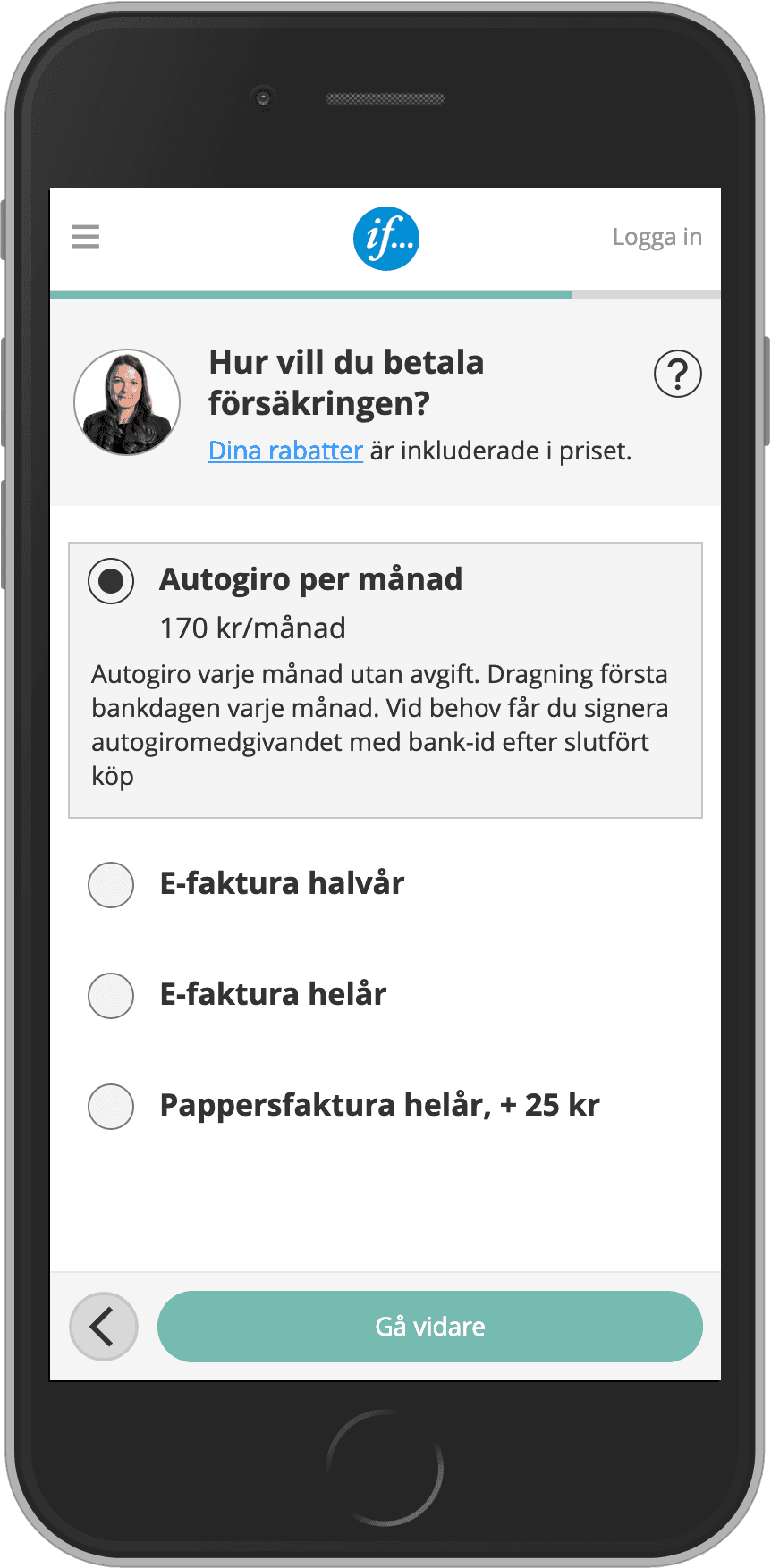
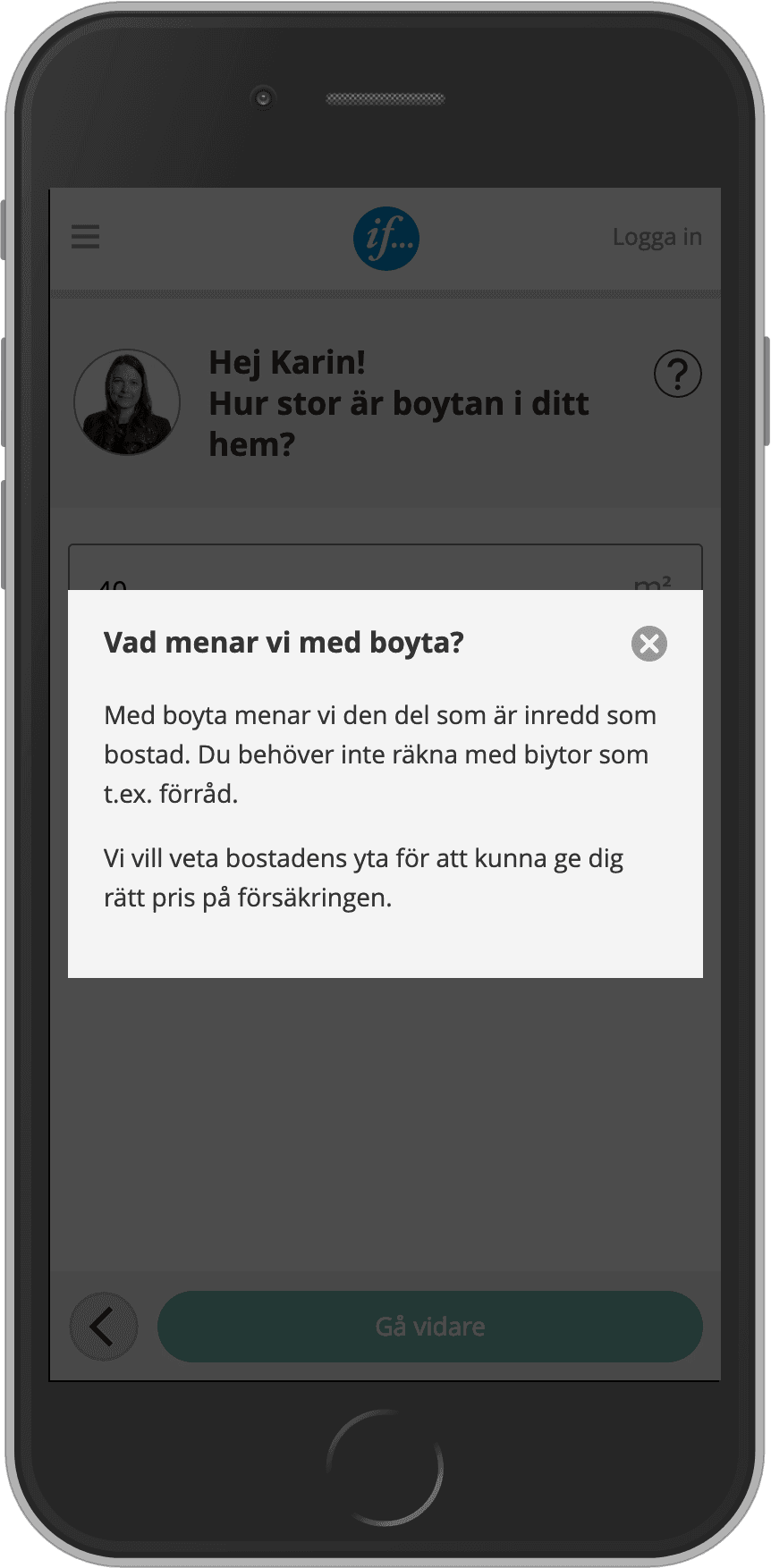
Making help content more visible improved confidence in how to answer
Because Villa insurance included more difficult and specific questions, support content played an important role in helping users answer correctly. During the sprint, we redesigned the support pattern to make help easier to notice and use when needed. Afterward, I refined that interaction to make the guidance more prominent and easier to access in the detailed design.
Design Decision 03
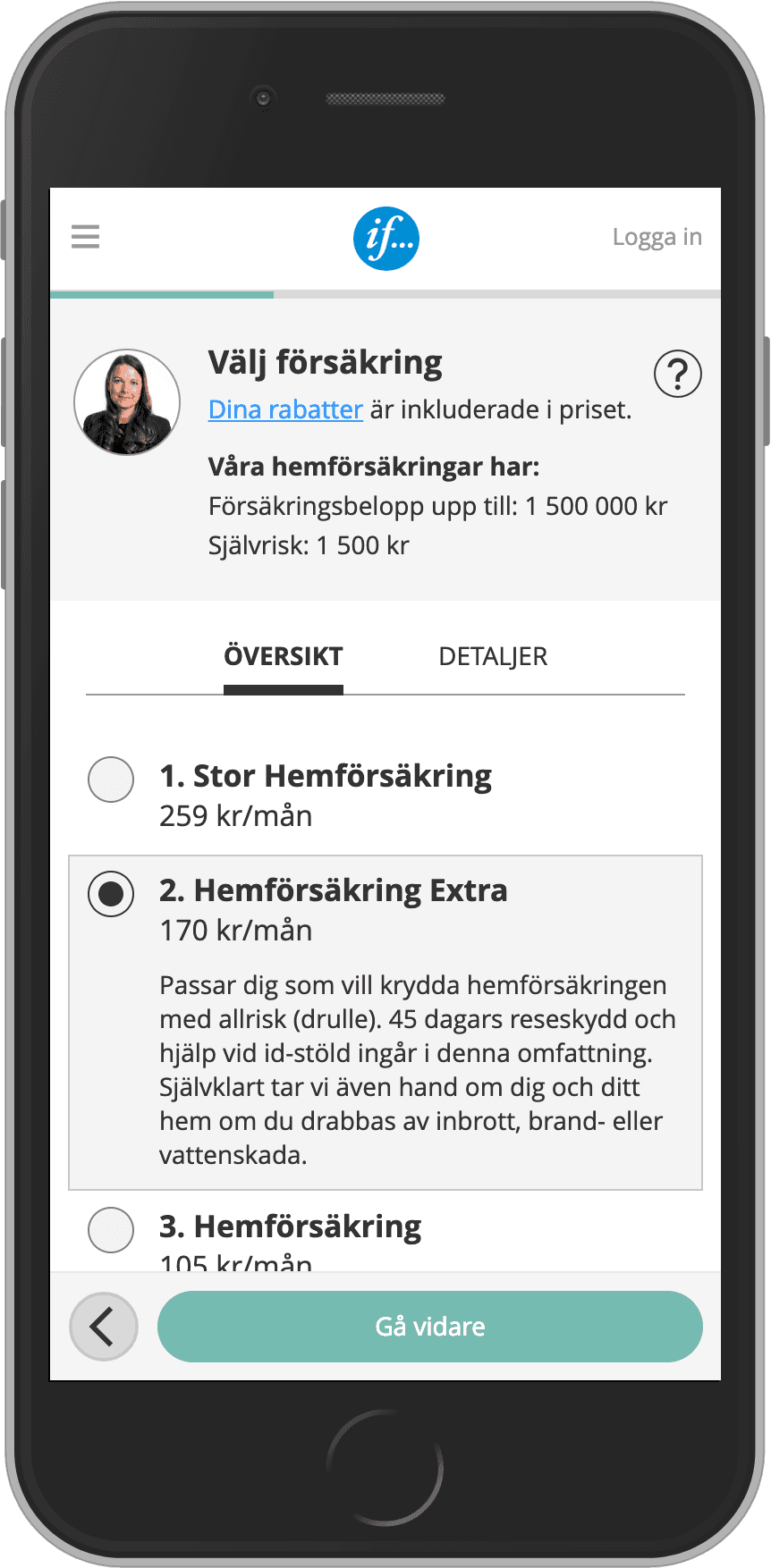
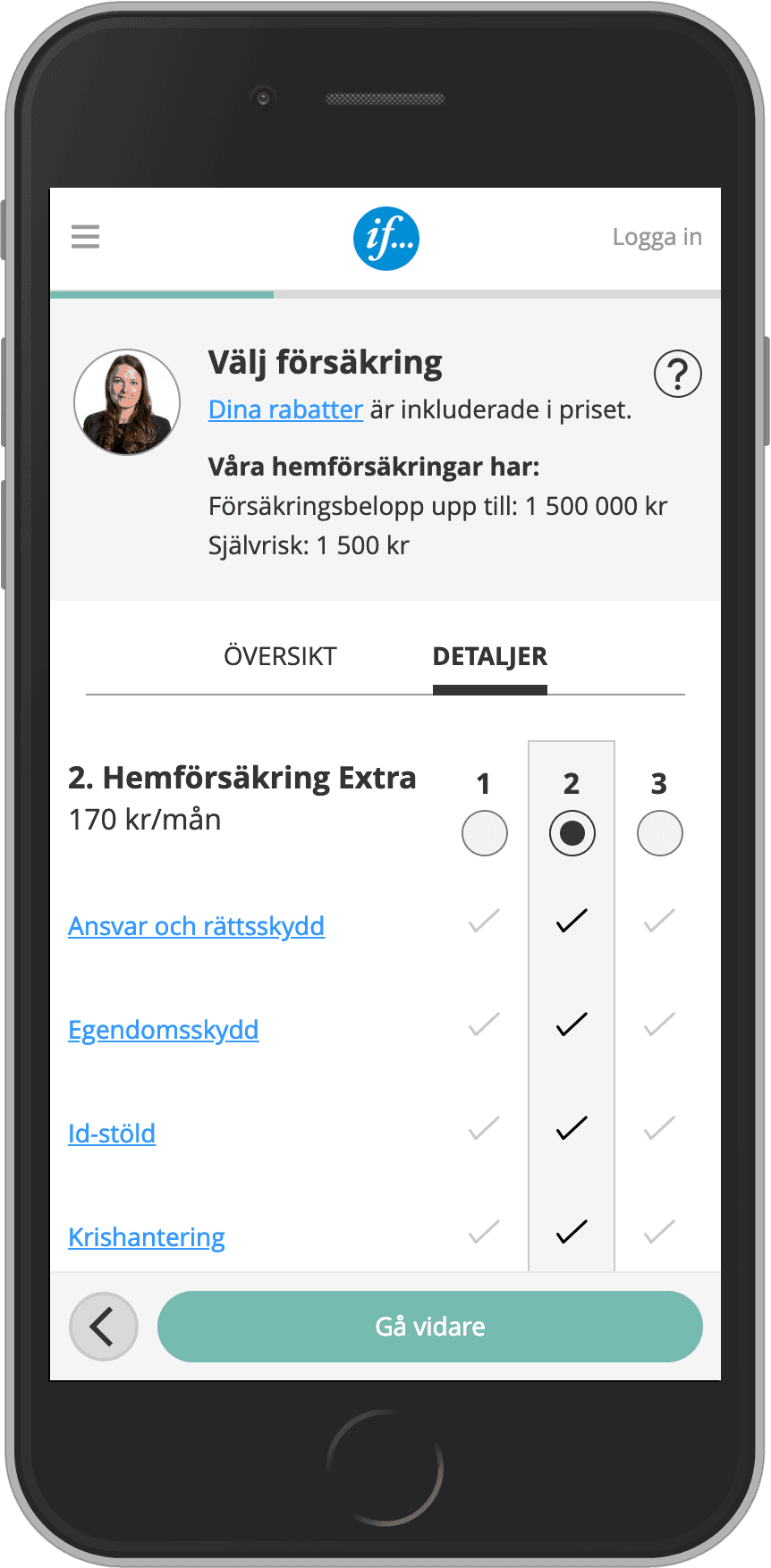
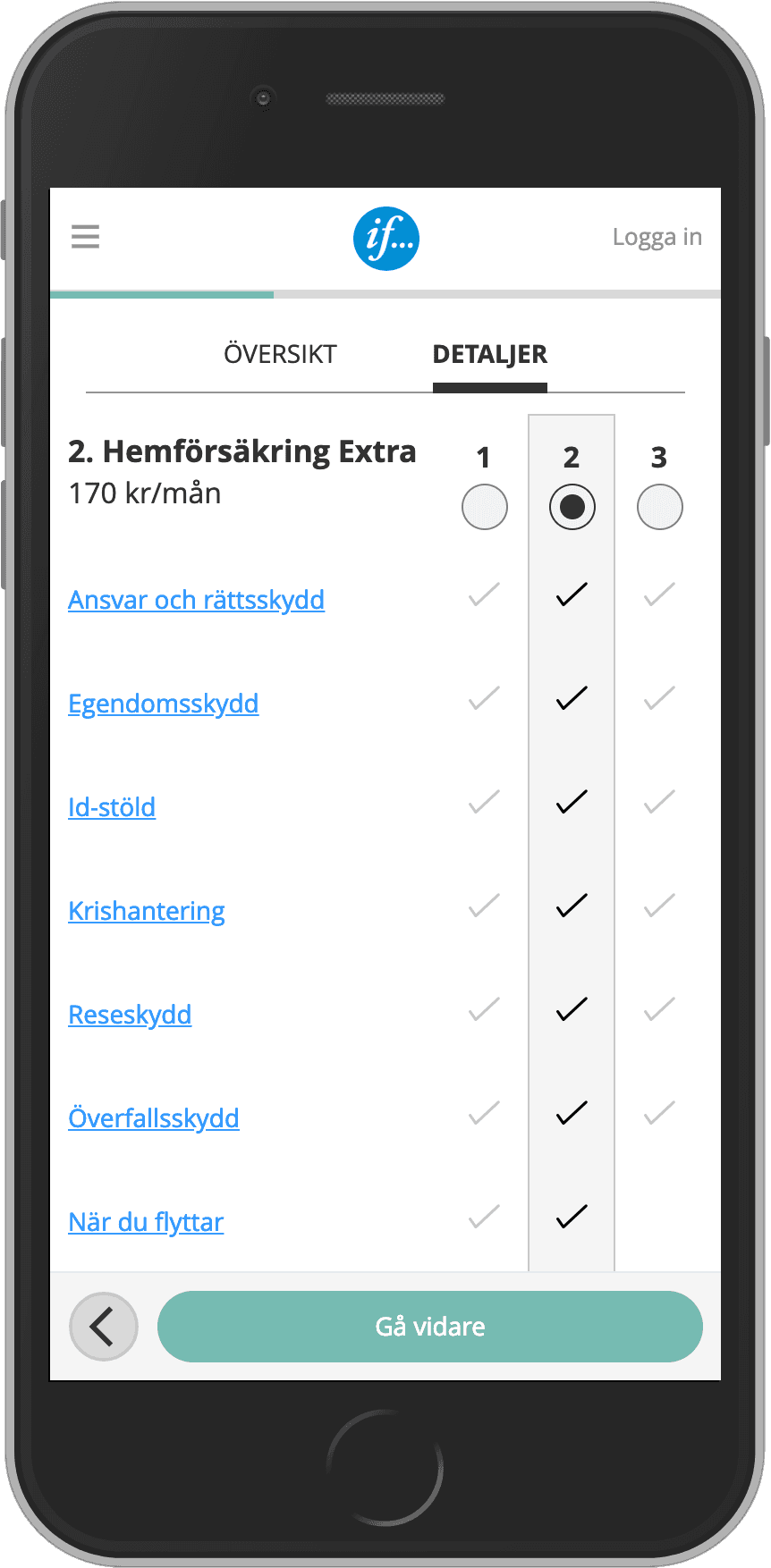
Keeping both Overview and Details supported different ways of comparing on mobile
Testing showed that some users preferred a quick overview, others wanted deeper detail and some switched between both. During the sprint, we shaped the comparison around both views so users could compare in the way that felt most natural to them. I then carried that structure forward into the refined mobile journey.
Design Decision 04
A warmer, more conversational design helped build trust in a complex journey
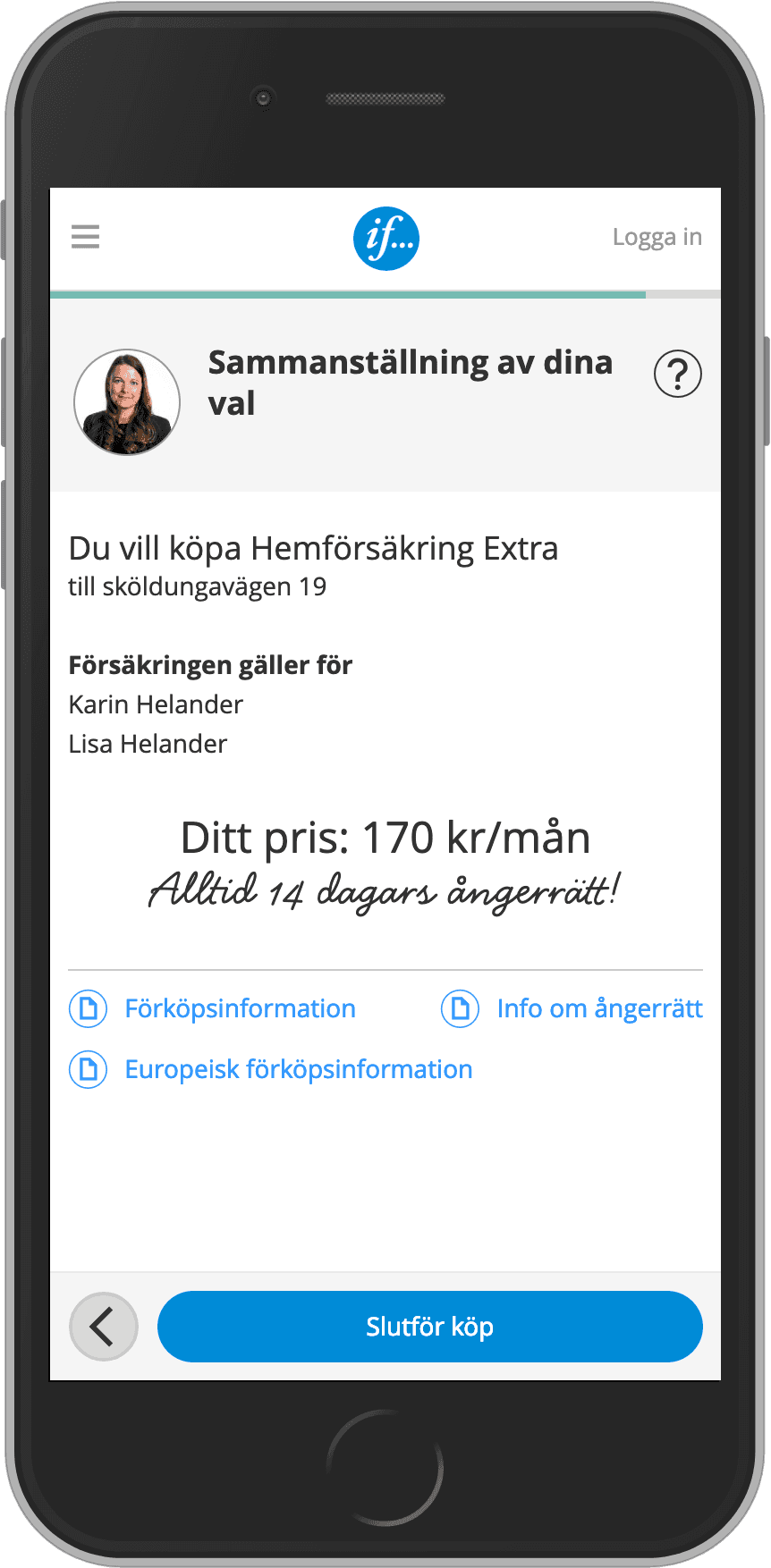
For a product with many questions and a meaningful financial decision at the end, the experience needed to feel reassuring as well as usable. During the sprint, we shaped a more supportive tone using natural language and a frontline employee photo to create a stronger sense of help and safety. I then refined that direction into the detailed design taken into the split test.
Final experience
The final design made Villa insurance easier to compare, answer and buy on mobile
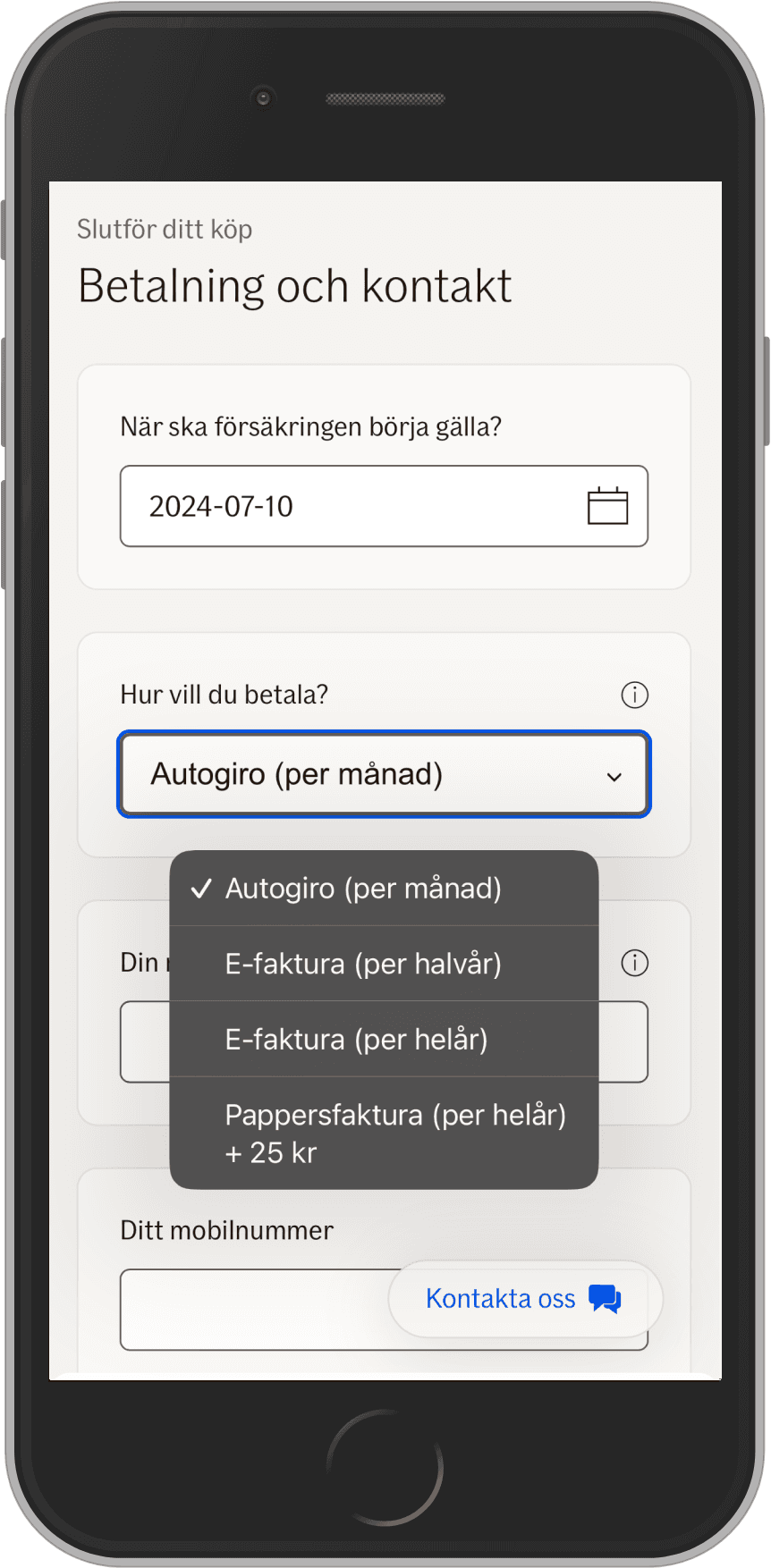
The redesigned journey simplified the quote flow by breaking questions into manageable steps, making support content more visible and improving the mobile comparison experience. It gave users clearer ways to understand cover options, answer difficult questions and move through the purchase journey with more confidence.
While the comparison pattern connected to broader work on comparing cover options online, the focus here was the full mobile quote and purchase journey, especially how to make one of If’s most complex products feel clearer and more manageable on a phone.


Delivery and rollout
The concept moved from sprint to live split test and further
After the sprint, I continued to iterate the design with the business and stakeholders until it was ready for a live experiment. Working with the Conversion Manager, I helped take the concept into a split test on if.se, where half of mobile Villa users saw the new design and half saw the current experience.
The result was a significant uplift in conversion rate. Because of that performance, the business decided to prioritise the improved mobile experience in the short term and the new design was rolled out to 100% of mobile Villa users. I was then reassigned to another project, and later moved to Australia, while the broader work toward a more coherent experience across desktop, products and channels continued.
Outcome and impact
The redesign improved conversion and shaped future direction
The redesign delivered a significant uplift in the live mobile split test, showing that simplifying the mobile journey for a complex insurance product created real business value. The result was strong enough that the business rolled the new experience out to all mobile users for Villa insurance, prioritising improved conversion while the wider evolution of the experience continued.
Beyond the conversion result, the work helped define the mobile-first direction for a more coherent future experience across mobile and desktop, across products, across Nordic online sales experiences and eventually across customer self-service and assisted sales. That broader work continued after I was moved to another project, and later left the company to move to Australia.
Reflection
Google Design Sprint is a strong starting point, not the endpoint
The sprint created momentum and helped align the team quickly, but the real value came from carrying the work forward through deeper iteration, stakeholder alignment and live validation. It also reinforced how important mobile-first design is when users are making complex choices on a phone: success depends not only on clean visuals, but on structuring the journey so people can understand, decide and act with confidence.
My contribution
Brought existing user insights into the Google Design Sprint as If’s UX expert
Helped shape the sprint direction, concepts and usability test focus together with cross-functional stakeholders
Led UX design from sprint learnings to iterated, detailed design including stakeholder engagement
Simplified the mobile quote flow for a complex insurance product
Improved mobile comparison, guidance and question-answering patterns
Worked through implementation and helped turn sprint work into measurable conversion impact